How to Pre-fill the Subject and Body of an Email Link
A practical walkthrough for adding a ready-made subject line and message body to your mailto: links, with correct encoding for spaces and line breaks.
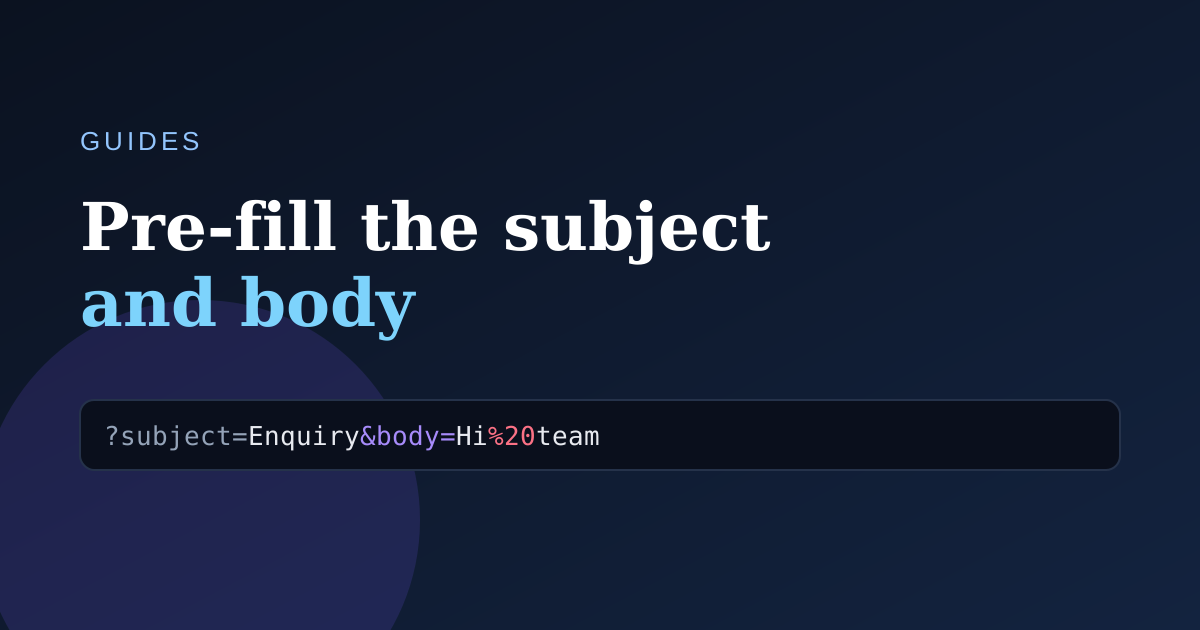
Sending visitors to a blank compose window is a missed opportunity. With two extra parameters you can hand them a message that's already written.
Adding a subject
Use the subject parameter. Spaces are encoded as %20:
mailto:[email protected]?subject=Website%20enquiry
Adding a body
Chain the body parameter with an &. Line breaks become %0A:
mailto:[email protected]?subject=Website%20enquiry&body=Hi%20team%2C%0A%0AI%27d%20like%20to...
Let the tool do the encoding
Typing those % codes by hand is error-prone. Paste your real subject and message into the generator and copy the finished HTML snippet — spaces, punctuation and emoji are all escaped correctly.
A note on length
Keep pre-filled bodies short. Some email clients truncate mailto: URLs beyond ~2,000 characters, so use the body as a starting point rather than the whole letter.